Email Notifications
Immich supports the option to send notifications via Email for the following events:
- Creating a new user
- Notifying a user when they get added to a shared album
- Informing other users about the addition of new assets to a shared album
SMTP settings
You can access the settings panel from the web at Administration -> Settings -> Notification settings.
Under Email, enter the required details to connect with an SMTP server.
You can use this guide to use Gmail's SMTP server.
User's notifications settings
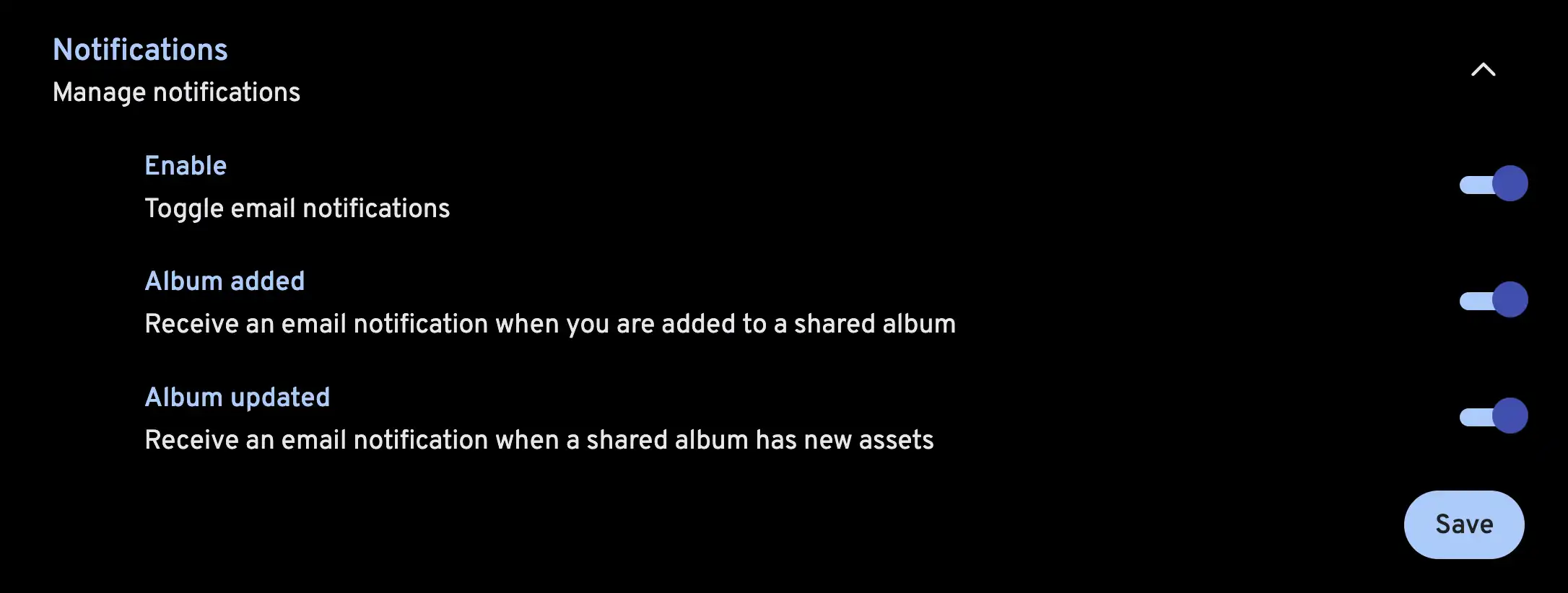
Users can manage their email notification settings from their account settings page on the web. They can choose to turn email notifications on or off for the following events:
Notification templates
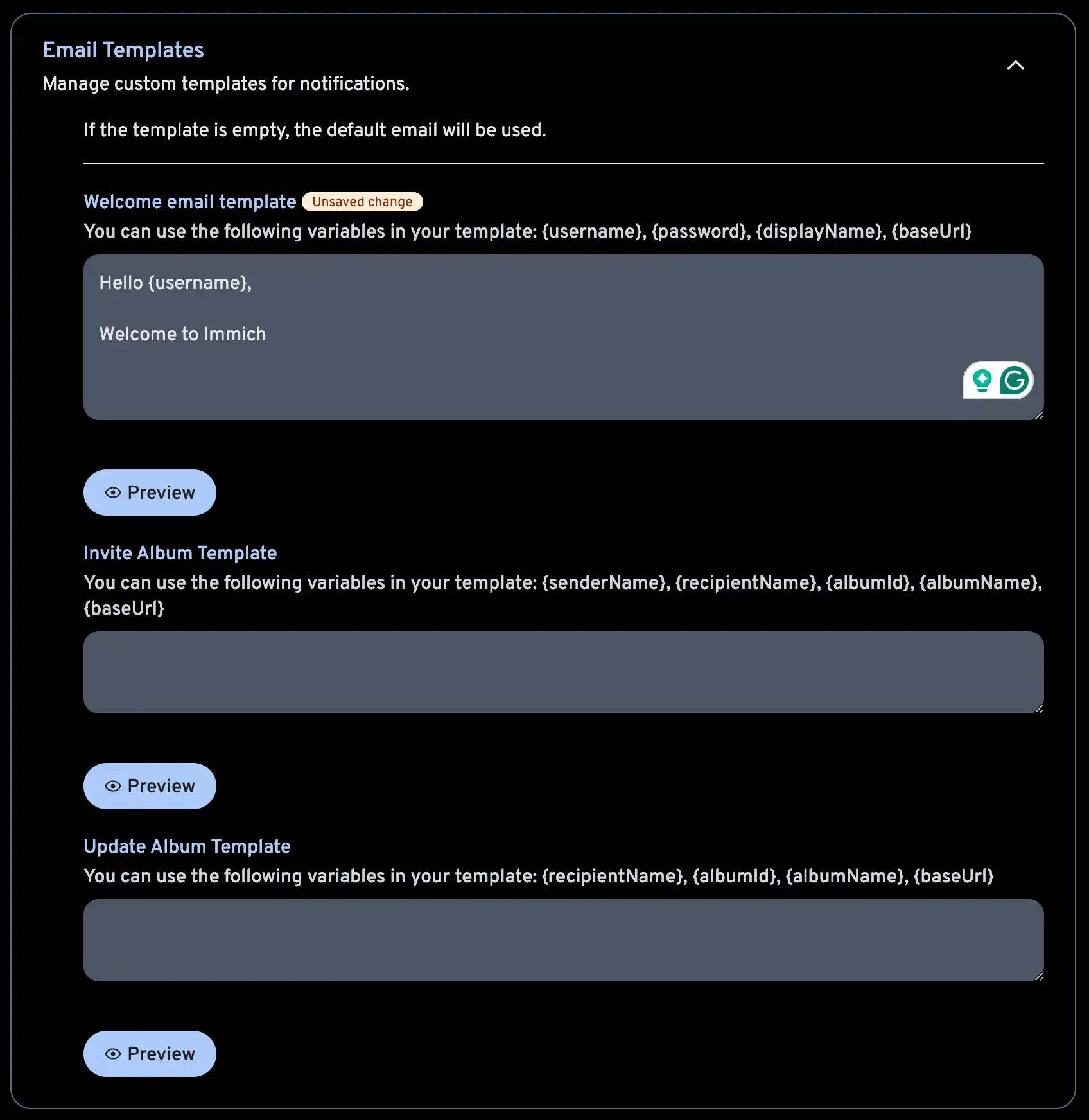
You can override the default notification text with custom templates in HTML format. You can use tags to show dynamic tags in your templates.